Seamless translation management
Role
Lead UX/UI Designer
Industry
Learning & Development
Duration
8 Months
Overview
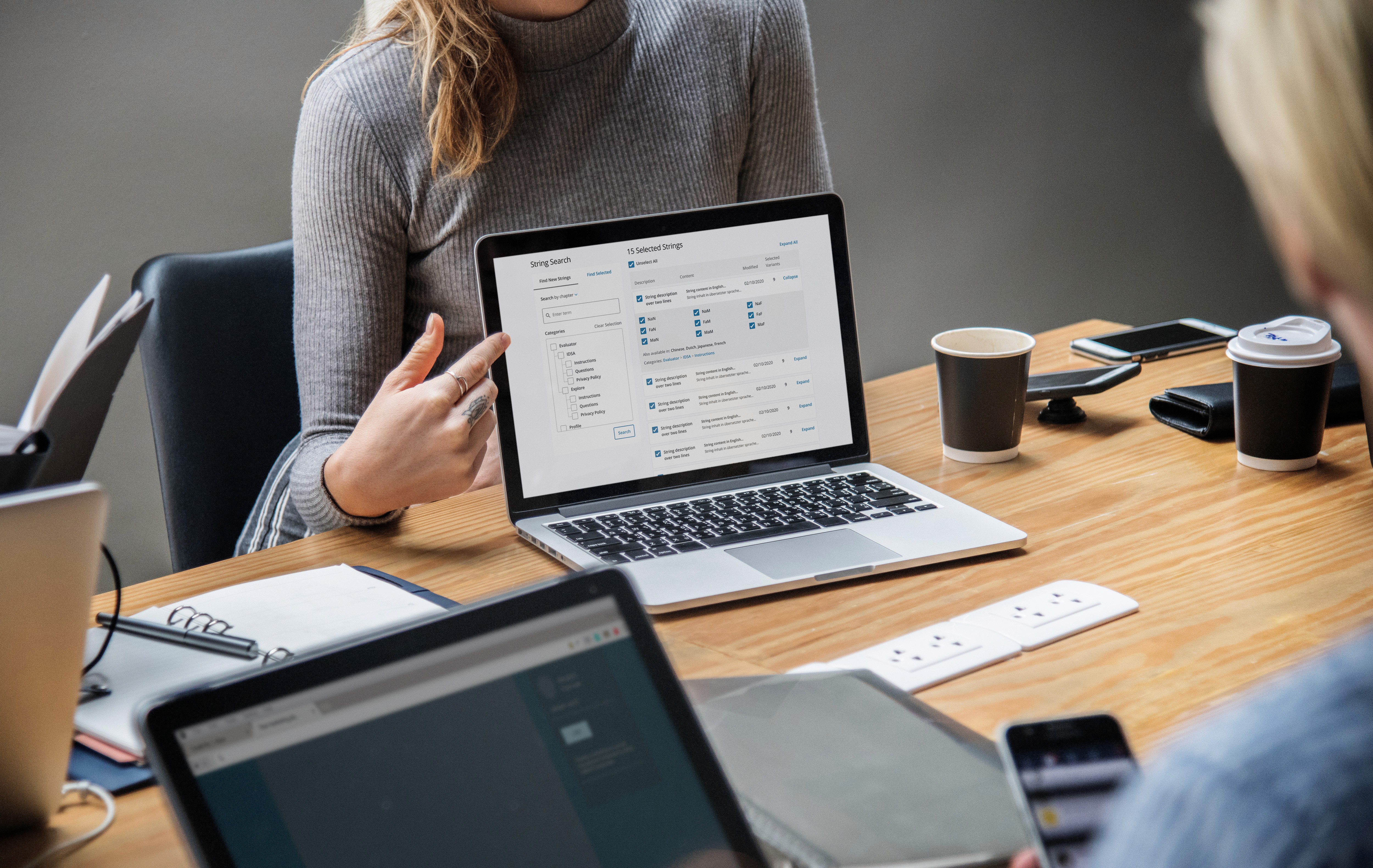
At Insights, the translation team is responsible for managing digital and profile content across more than 25 languages - a complex task that requires seamless coordination. To handle these requests, they relied on the Translation Utility Tool, a workflow management system. However, the tool’s outdated interface and cumbersome features led to inefficiencies, causing delays in processing and managing translation requests from various departments. The team struggled to meet deadlines, and the tool's slow performance created a bottleneck, making it difficult to keep up with the growing demand for translated content.
Clunky interface stalling productivity
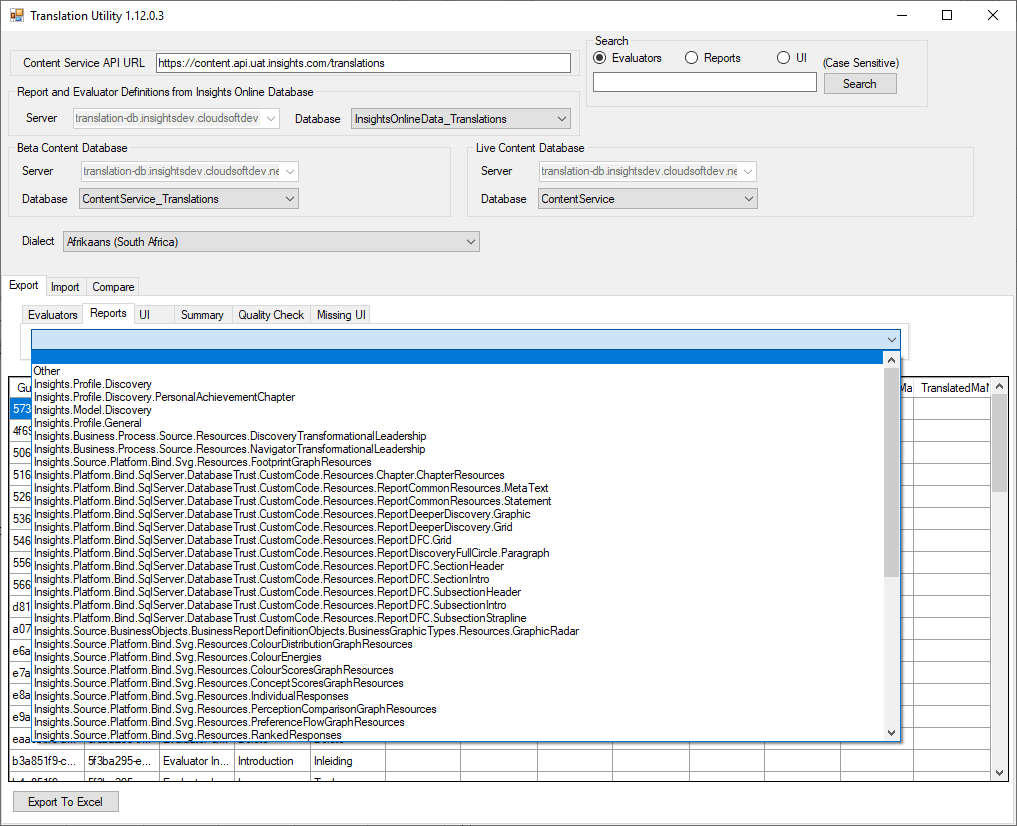
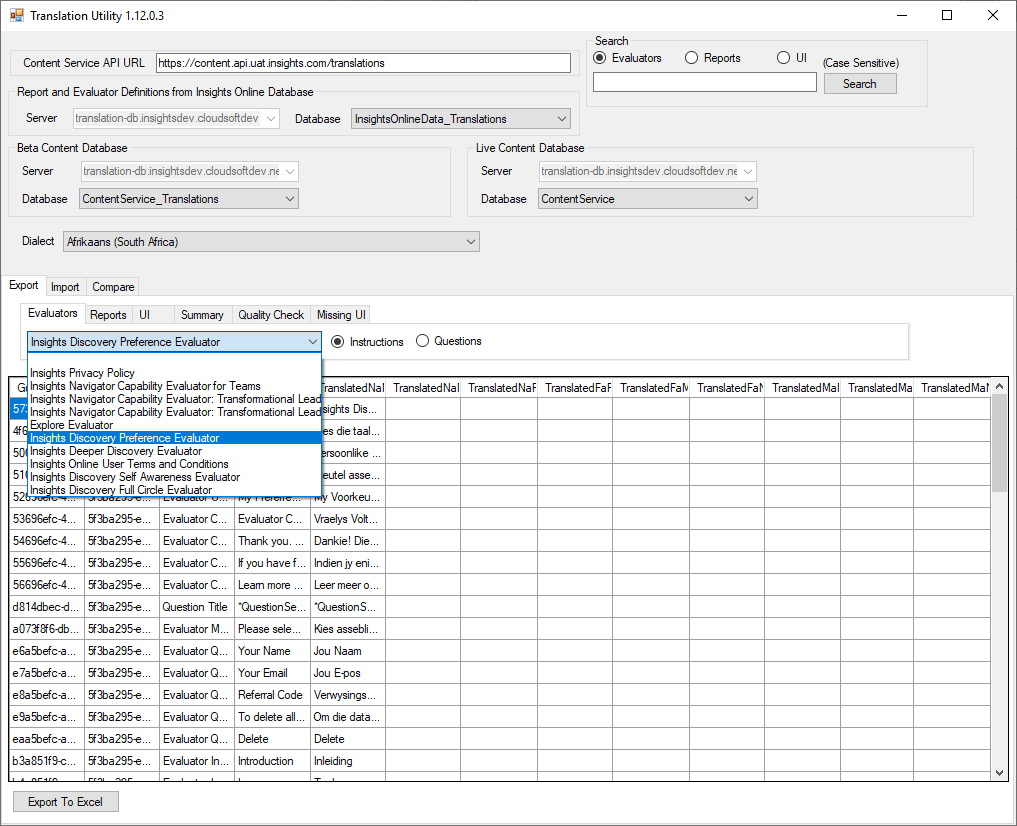
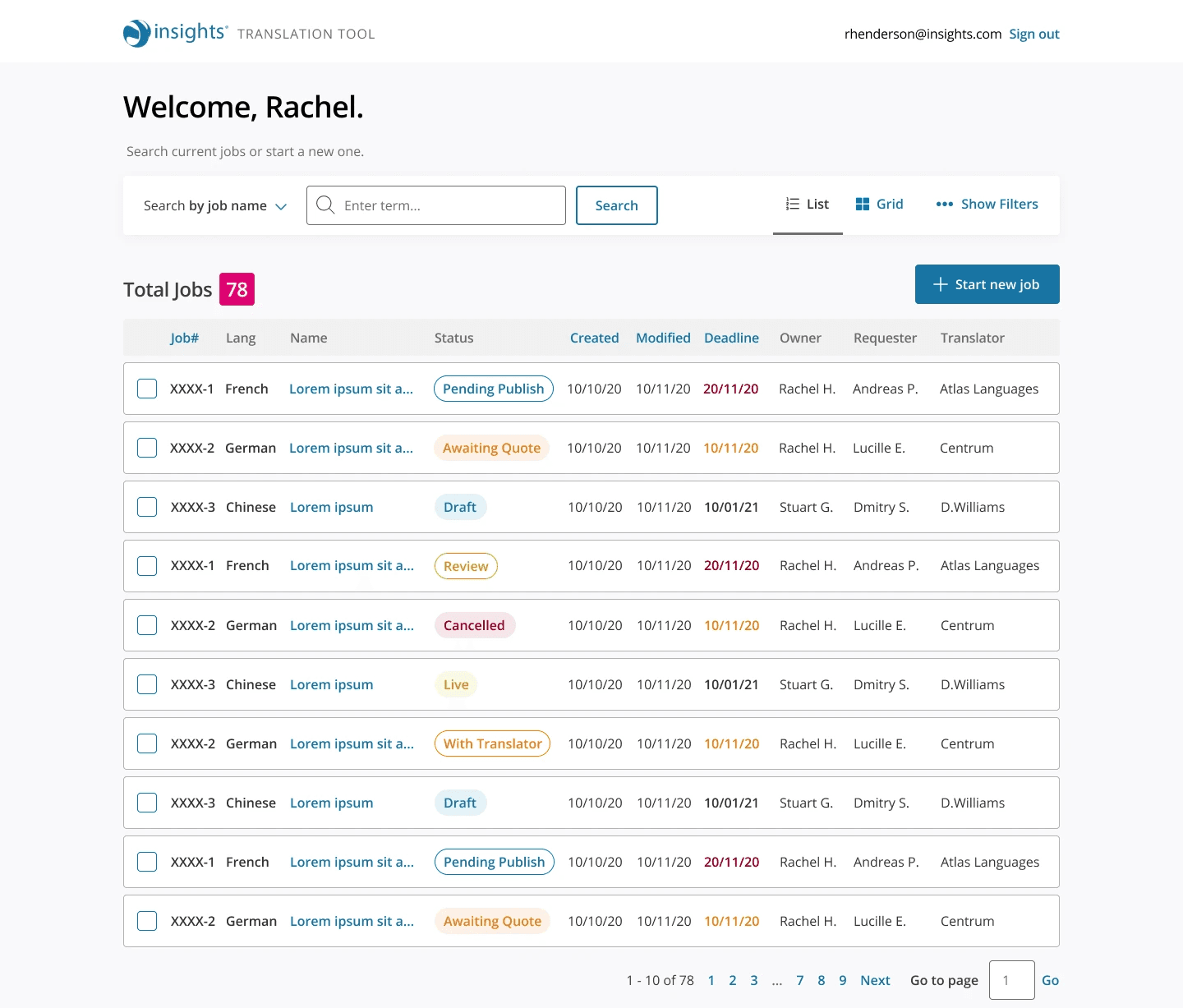
Plain and simple, the Translation Utility was the problem. The interface was overcrowded with unnecessary features, leading to confusion among users. For instance, features like the table layout weren't used by 80% of users but still occupied valuable space. Moreover, the app took over 30 minutes to launch, leading to increased frustration and a drop in productivity. Teams missed deadlines by up to 20% weekly, affecting key projects.
Collaborative redesign to streamline workflows
In order to improve the Translation Utility Tool, I began by conducting discovery sessions with the key users—two team members who handled translation requests. This allowed me to map out their workflows and identify pain points within the current system. We held fortnightly workshops, which enabled continuous feedback and collaboration. These workshops provided a space to explore the team’s needs through methods like the “I like, I wish, I wonder” approach, which generated productive conversations about system features.
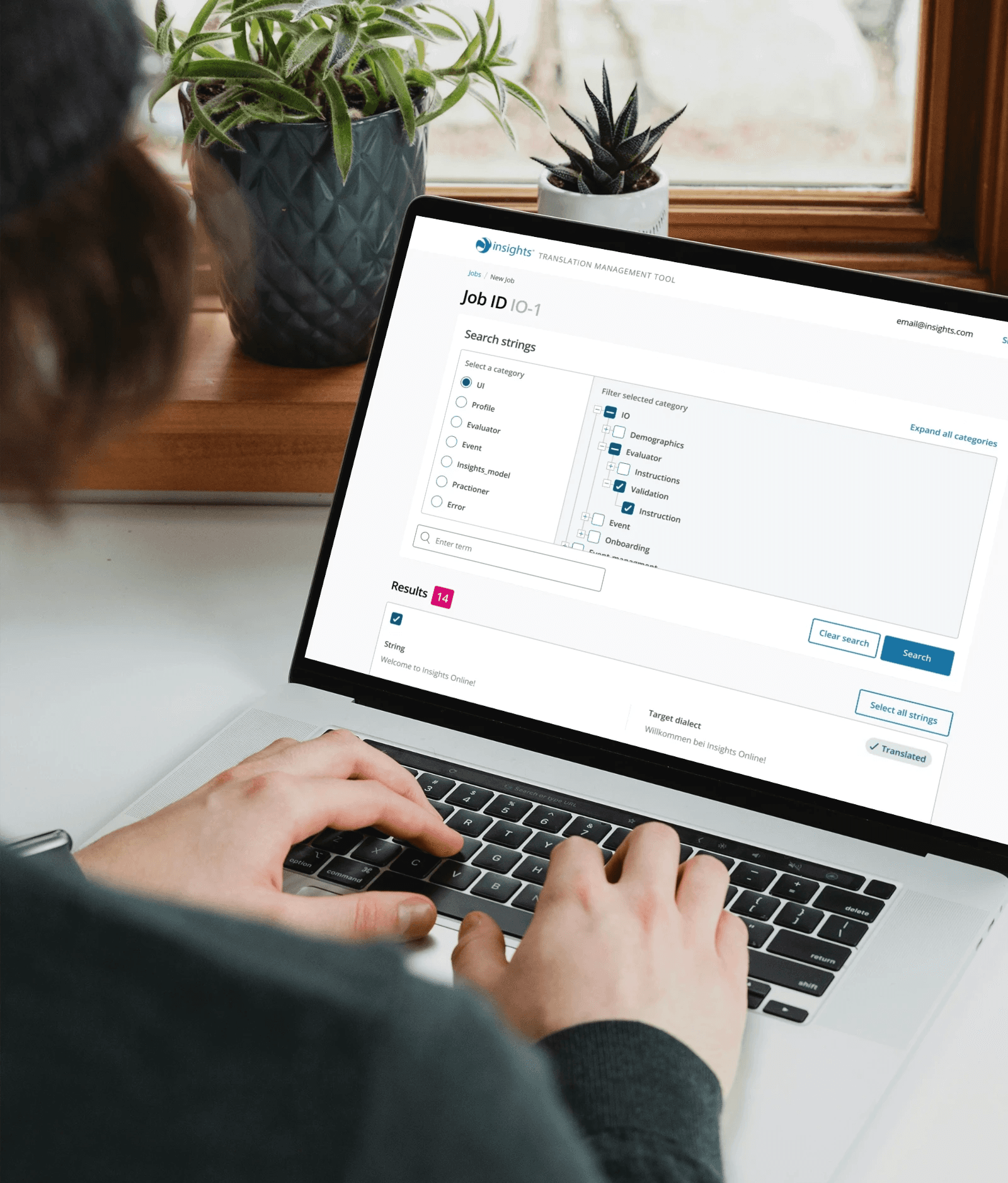
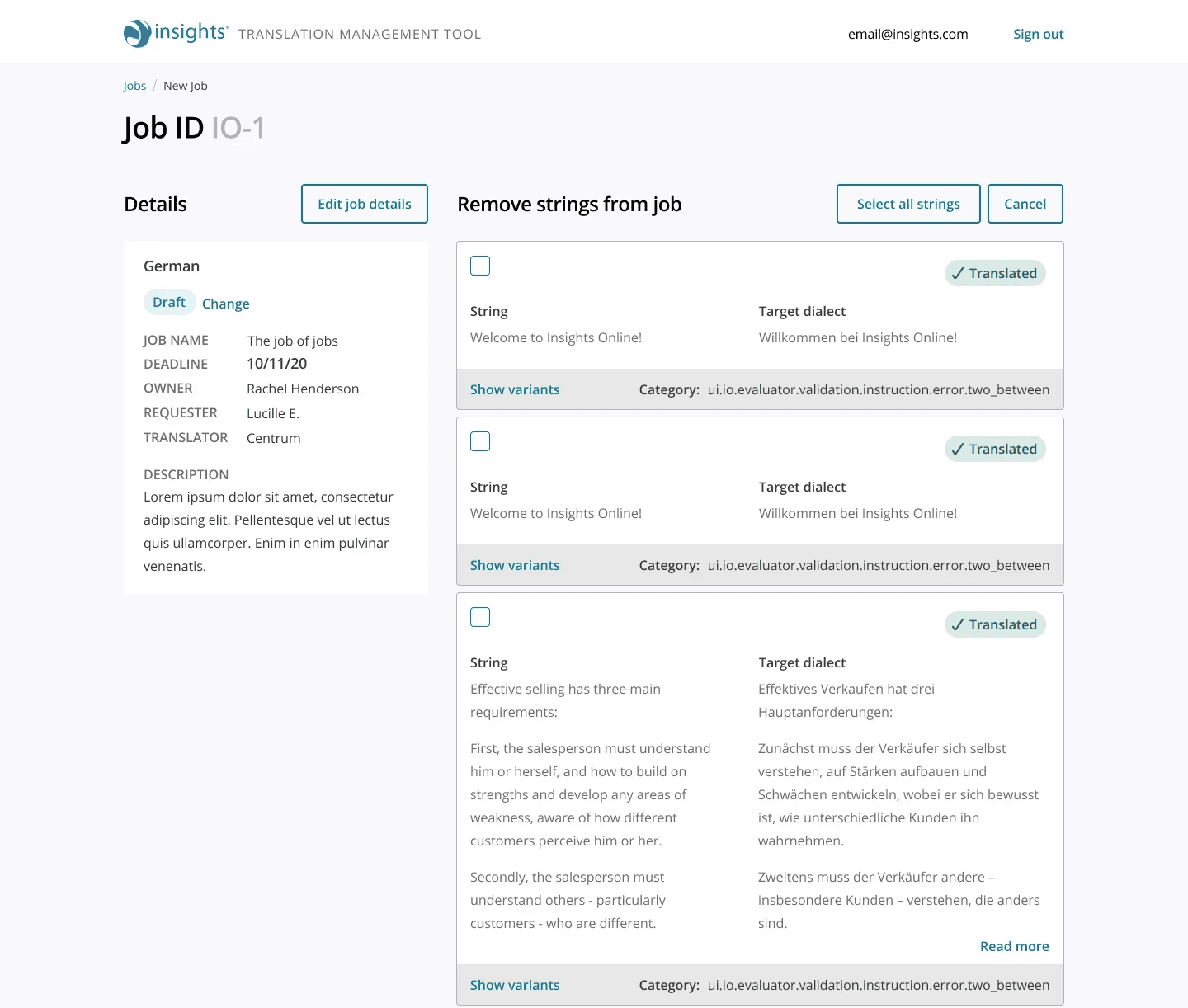
Using insights from these sessions, I developed low-fidelity mockups, iterating based on feedback. We explored two main approaches: smart filters and a tree structure for searching and viewing strings. Early prototypes of the smart filter proved inadequate due to the complexity of the data structure, which led us to pivot to the tree structure. Throughout the process, close collaboration with the team ensured that each iteration aligned with their requirements, allowing for quick adjustments to the design.
Boosting efficiency with tailored solutions
The redesigned Translation Utility Tool provided a significantly improved user experience. While the initial concept of smart filters was promising, user testing revealed that the tree structure offered a better overview of the data, more control, and a more intuitive experience for the users. The final design also introduced multiple string selection, improving workflow efficiency.
Key learnings from the project include the importance of fully understanding the data structure from the outset. Unexpected data complexities required several UI pivots during the project, delaying progress slightly. Despite this, access to users for rapid validation helped ensure that each design iteration moved the project forward effectively. Overall, the new tool reduced confusion, streamlined workflows, and resulted in a much more intuitive and visually appealing interface, which users described as “100x better” than the previous version.
Key insights from an iterative process
This project underscored the value of continuous user collaboration and iterative design. Having direct access to the key users allowed me to gain deep insights into their needs and pain points early on, which was instrumental in shaping the direction of the redesign. The project also highlighted the importance of flexibility. As we uncovered new layers of complexity in the data structure, we had to make several pivots in our approach, moving away from the smart filter concept to a more suitable tree structure.
In hindsight, a more thorough investigation of the data architecture at the outset could have helped us anticipate some of these challenges earlier, reducing the need for significant mid-project adjustments. However, the ability to quickly adapt and validate new designs ensured we still delivered a solution that met the team’s needs. Ultimately, this project reinforced the importance of iterative feedback loops and user-driven design in creating effective and efficient tools.
Other projects
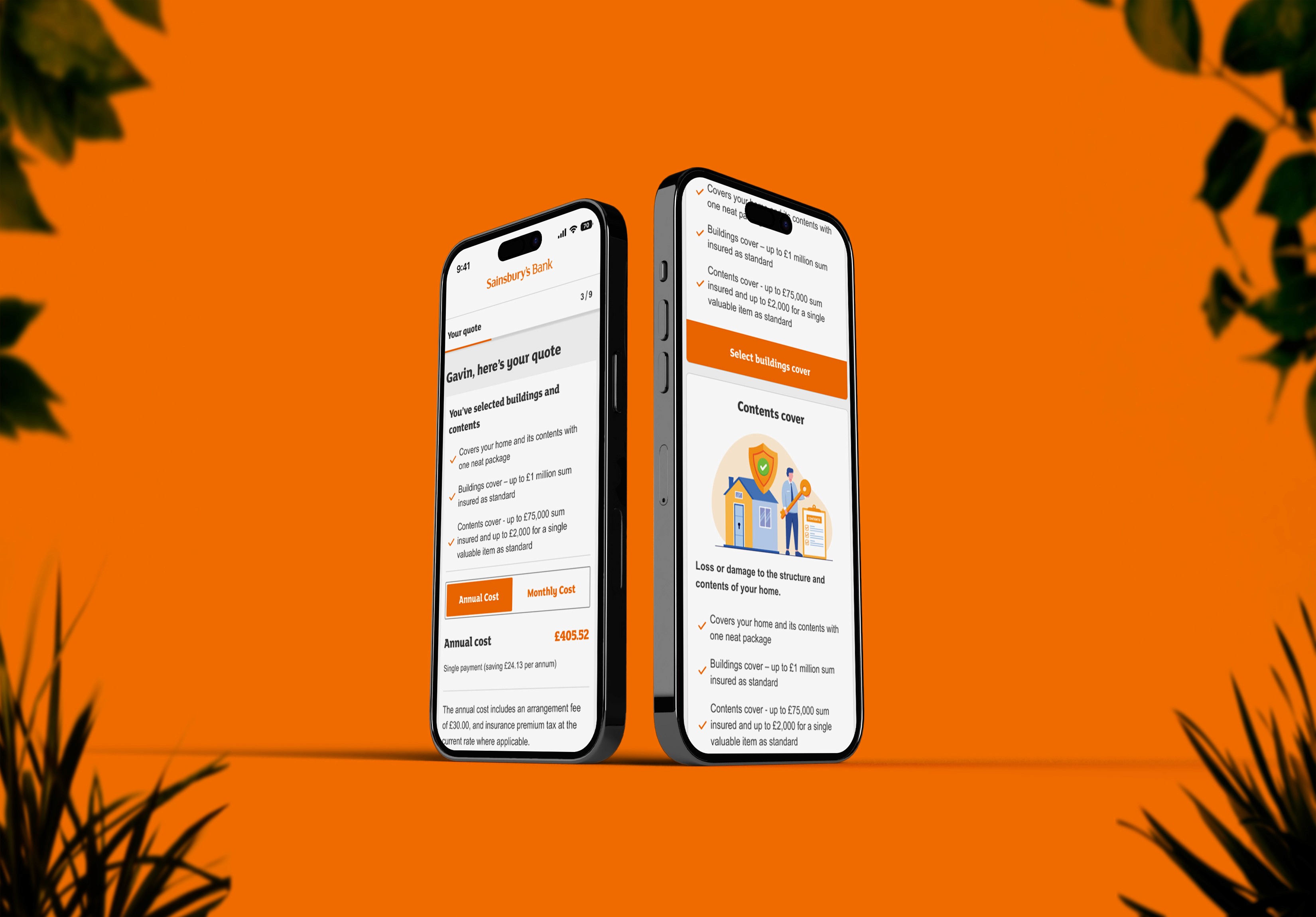
What percentage of your roof is flat?
Find out how I turned confusing questions into a quick and easy process with Home Quick Quote at Sainsbury's Bank.
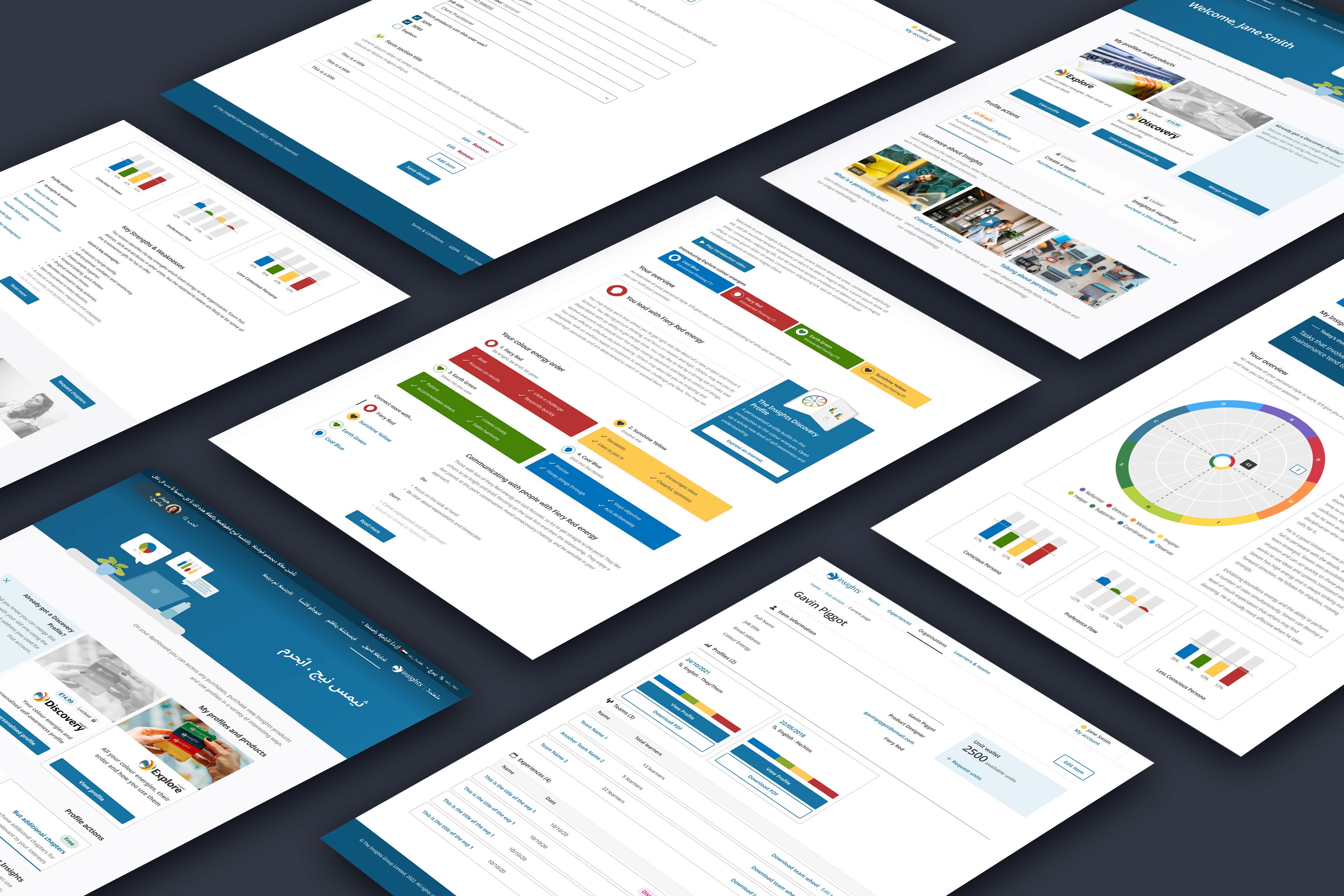
What colours are you?
Helping individuals and organisations increase their self-awareness through colour.
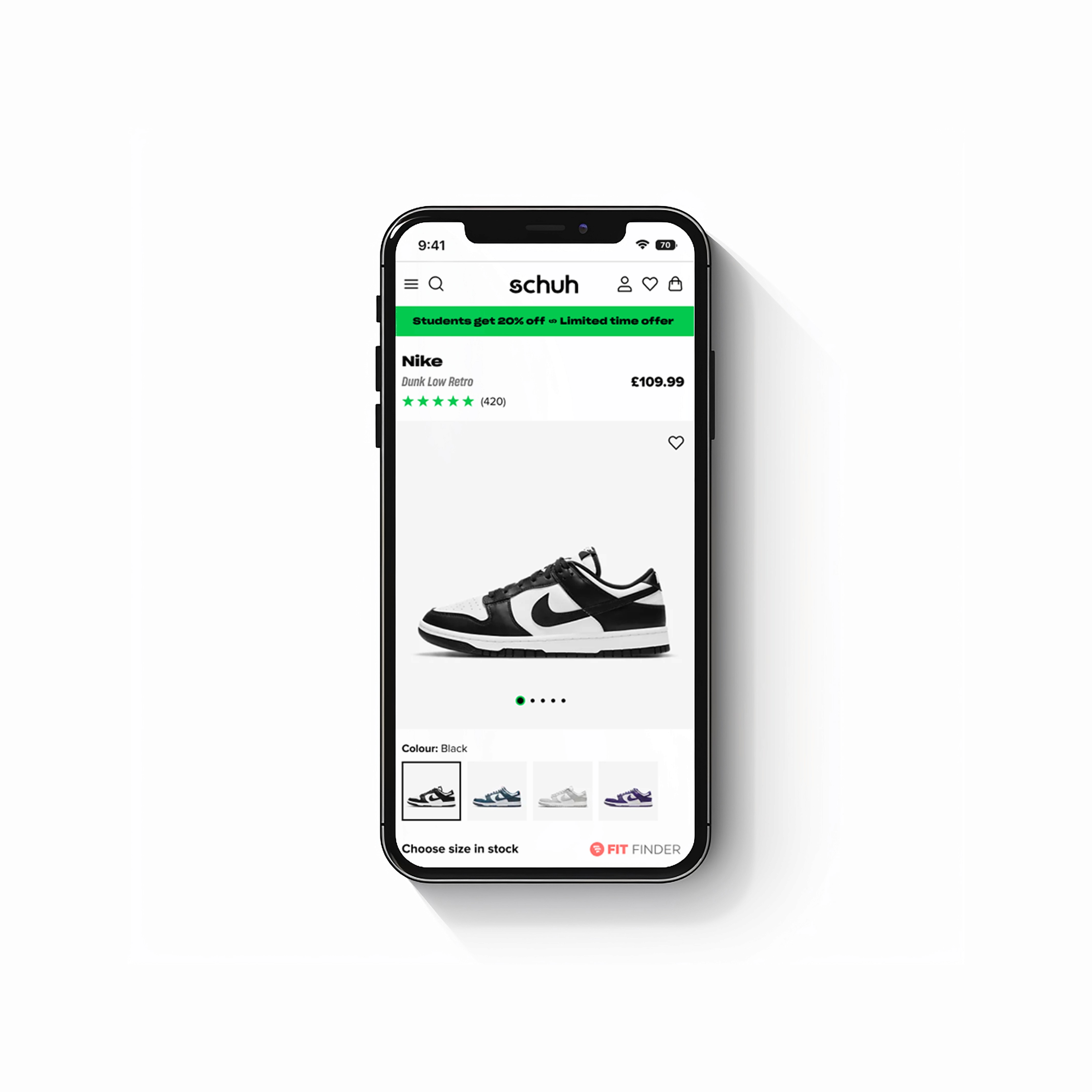
Kicks for clicks
I redesigned the product page for one of the UK's leading footwear retailers - schuh.